


Well, here we are. Apple put a touch screen on a MacBook. The MacBook Pro with PROLED XDR Display combines a tandem OLED panel with touch input and an iPhone-style Dynamic Island. My reaction? Great, another screen I’ll have to keep wiping.
Choosing a MacBook has become a different headache. Apple’s 2026 lineup stretches from an iPhone-chip budget machine to a touch screen Pro, with some odd gaps in between. The entry-level Pro got the M6 in October, but the flagship released a day later still runs the M5 Pro and M5 Max from last spring. The price hierarchy doesn’t tell the whole story anymore.
So, which MacBook should you buy this fall? I’ve lined up every 2026 model from cheapest to most expensive and looked at who’d benefit from each one.
Start with your workday

My own workday runs inside WordPress, with Grammarly checking every sentence I type. Claude stays open in another tab for research. YouTube Music plays underneath. All of it happens on an M3 MacBook Air, two chip generations old by now, and I couldn’t be more satisfied with how it carries that load.
My workday takes place inside WordPress, with Grammarly checking every sentence I type. Claude stays open in another tab for research. YouTube Music plays underneath. Every bit of my writing process happens on an M3 MacBook Air, two chip generations old by now, and I’m satisfied with my experience.
I know, I know. That future-proofing itch is hard to ignore, isn’t it? But unless your evenings involve color-grading a Marvel movie, your browser tabs and writing apps won’t put a Mac through boot camp. I’d turn my attention to memory and display quality.
MacBook Neo, for students and anyone buying a first Mac
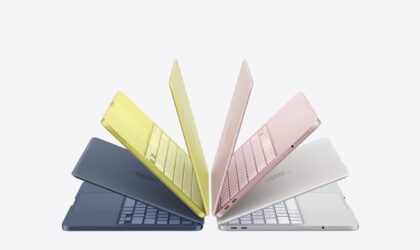
Students should start their search here, and most can end it here too. The MacBook Neo runs the A18 Pro from the iPhone 16 Pro, and early Geekbench multi-core scores near 8,500 put it level with the M1 MacBook Air. A phone chip, matching the laptop that made Apple silicon famous. No fan either. Lecture halls stay quiet.
Related: MacBook Neo vs. M5 MacBook Air: Here’s what changes when Apple uses a phone chip
For students, the MacBook Neo is the best first Mac because it covers coursework and video calls at the lowest price Apple has ever put on a MacBook. Its price needs a footnote. Apple launched the Neo in March at $599, or $499 with education pricing, and the store page I’m looking at now starts it at $699 ($649 for education).
A $100 climb stings most at the bottom of a lineup. Memory stops at 8 GB, and you’ll feel that ceiling a few years in, once Chrome tabs pile up and macOS starts swapping to the SSD.
Smaller cuts hide in the spec sheet, and none of them will bother a first-year student writing essays in Pages, but every one of them is the kind of compromise you only discover after the return window closes, like the keyboard having no backlight at all, or the right-hand USB-C port running at USB 2 speed while only the left one can drive an external monitor. Touch ID costs another $100 because it only comes with the 512 GB model. The $699 version gets a plain Lock Key.
One quirk surprised me. At 2.7 pounds, the Neo weighs exactly what the 13-inch MacBook Air with M5 weighs. Cheaper isn’t lighter here.
Writers and office workers belong on the MacBook Air with M5

Apple MacBook Air with M5
My own Air explains this pick better than any benchmark. Everything I do runs smoothly on M3, and the M5 model fixes what the Neo skimps on, starting with 16 GB of memory and a 512 GB SSD as standard. Apple doubled base storage this generation.
Writers who live in a browser will get the most years per dollar from the 13-inch MacBook Air with M5, because 16 GB of memory buys the headroom the Neo can’t. You also get MagSafe and a 12MP Center Stage camera that keeps you framed on calls. Its two Thunderbolt 4 ports can run a pair of external displays.
Pricing moved here as well. The 13-inch launched at $1,099 and the 15-inch at $1,299, yet Apple’s comparison page now lists the Air family from $1,299. Choose the 15-inch for screen space alone.
My one complaint is the screen. Apple’s Air page skips any refresh-rate claim, and after a day of scrolling on a 120Hz phone, you notice.
The $1,999 MacBook Pro with M6 is the newest chip in the cheapest Pro

Apple MacBook Pro with M6
Hobbyist photographers and coders who want a fan in the chassis should look here first. The 14-inch MacBook Pro with M6 starts at $1,999, and that money already includes a 1 TB drive. Apple claims up to 30 percent faster graphics than M5. Against a $1,299 Air, that $700 gap pays for a far better screen and a terabyte of storage you’d otherwise buy as an upgrade.
Anyone editing photos for a side business will find the M6 model the best value in the Pro range, mostly because its mini-LED Liquid Retina XDR display and up to 24 hours of battery life match far pricier Pros. HDMI and an SD card slot spare you a dongle bag.
Pay for M5 Pro or M5 Max only when a progress bar runs your day
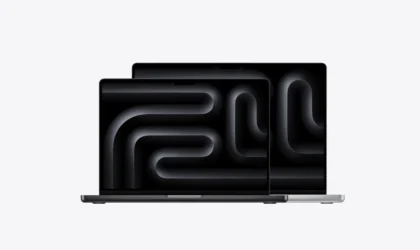
Apple MacBook Pro with M5 Pro
If you edit 8K footage or run language models on your Mac instead of sending prompts to the cloud, the M5 Pro and M5 Max are worth a look. The M5 Pro supports up to 64 GB of unified memory, while the M5 Max goes up to 128 GB.
Apple claims LLM prompts process up to 4x faster than on the M4 Pro and M4 Max.
Developers who run local LLMs should buy the 16-inch MacBook Pro with M5 Max, since 128 GB is the spec that decides which models fit at all. In March, the 14-inch M5 Pro launched at $2,199 and the 16-inch at $2,699, with M5 Max starting at $3,599 and $3,899. Several Mac prices have climbed since. Check the store before you budget.
Who should pay $2,899 to touch a MacBook Pro
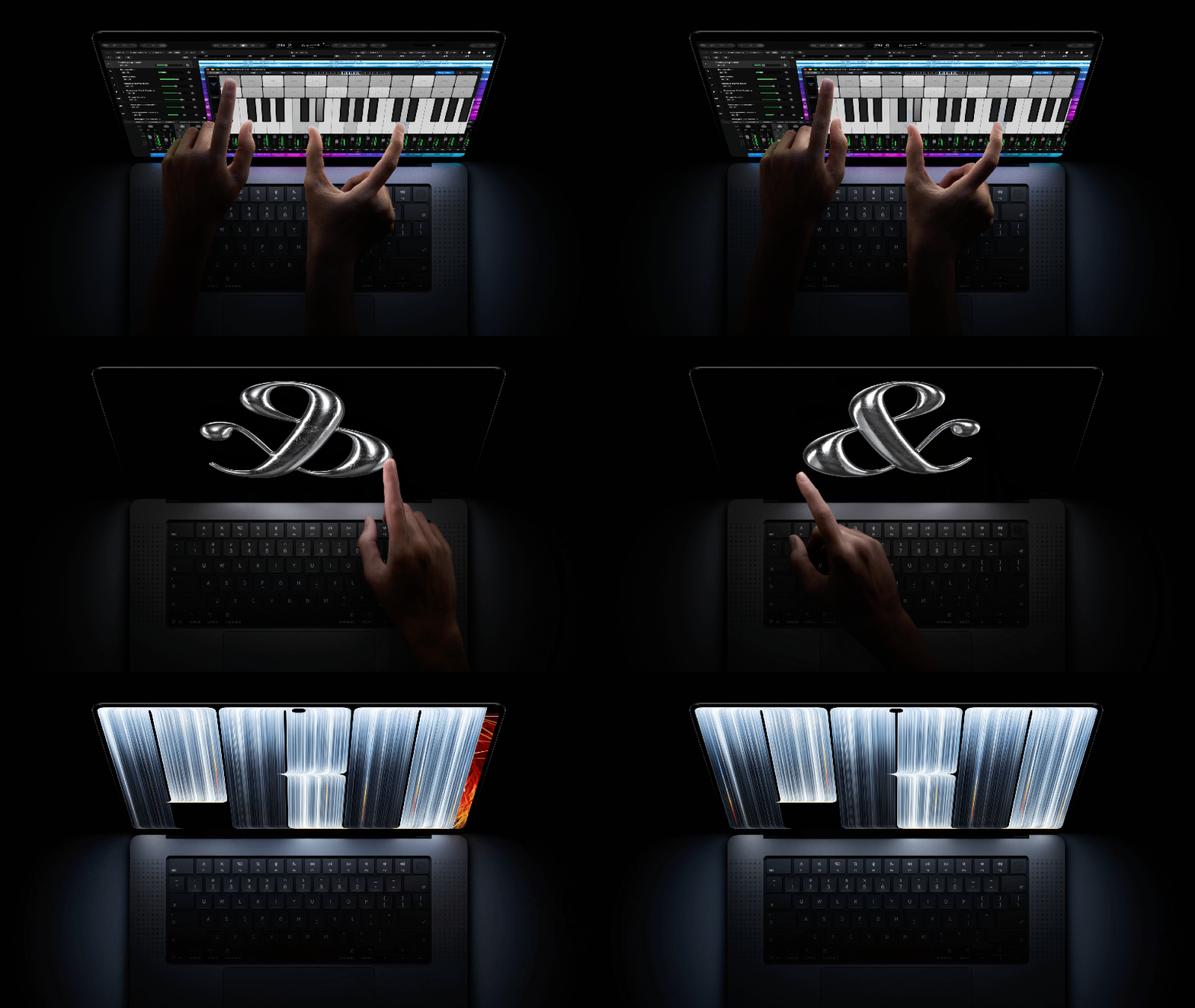
Apple MacBook Pro with PROLED XDR Display
I type for hours, and I can’t see myself poking at the screen between paragraphs. I’d end up wiping fingerprints off the display more often than I’d use the touch screen.
Related: Apple MacBook Pro with PROLED XDR Display, 16 years after Steve Jobs said your arm would fall off
A touch screen won’t lure writers, but if you’re editing photos for print, the display tells a different story. With full Adobe RGB and P3 coverage, factory calibration, and a blistering 2,000 nits peak brightness, the 14-inch MacBook Pro makes a case as a mobile proofing monitor. (Musicians get a nod, too—Logic Pro now packs a polyphonic onscreen keyboard.)

