


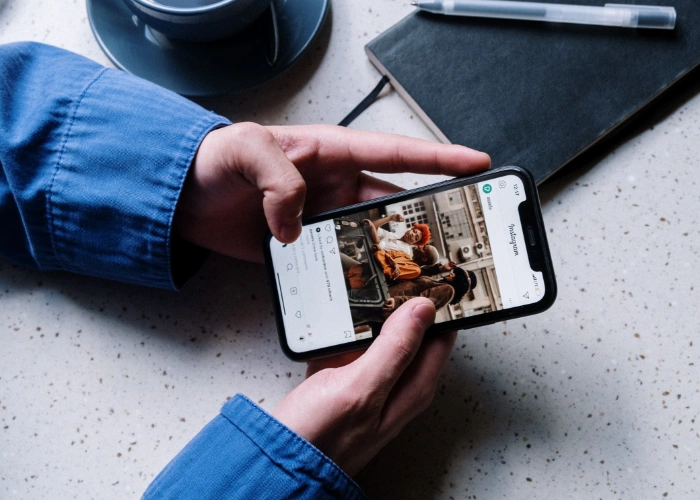
If you no longer want to use Instagram then you may want to find out how to delete your Instagram account. This guide will tell you everything to need to know to permanently delete your account.
For whatever reason, you have decided that you would like to permanently remove your Instagram account and all of its content. This can be done in a number of different ways. On your smartphone on Android or iOS or through a web browser on the web.
One thing that you may want to do before you completely delete the account, is to download and save your Instagram data.
How do you download and save data from Instagram?
If you want to download and save your data from Instagram, you need to open the Instagram app on your device and then select the profile icon from the bottom right corner.
Now tap the three lines at the top of the screen on the right and select Settings, now select Security, and then Download Data, you will then be asked to enter your email address and then select Request Download.
Once this has been done, you will receive an email from Instagram within 48 hours with a file of your Instagram data. Once you have received this you can then delete your Instagram account.
How do I delete my Instagram account permanently?
If you would like to permanently remove your Instagram account, and you have received your data from Instagram, you can follow these steps to delete the account.
Instagram does not make it exactly easy to delete your account, this is similar to Facebook, which is also owned by Meta.
The easiest way to delete your account is through Instagram’s website, you can visit their special page to remove your account here.
When you land on the website, you will be asked why you want to delete your account, select a reason, and then you will then be asked to enter your password. At the bottom of the screen, select Delete your name and your account will be deleted.
Instagram gives you one month to change your mind, so if I delete my account today, the account will be hidden until April 07, 2022, and then it will be deleted permanently on that date.
How do you disable your Instagram account?
If you do not want to delete your account, but just want to disable it, this can easily be done and you can turn the account back on at a later date if you want.
To disable your account, you will need to visit the Instagram website in a browser, by going to Instagram.com. Now select the profile icon at the top right of the display, select Profile, and then select Edit Profile. At the bottom of the display, you will see Temporarily disable my account.
Select Temporarily disable my account and then you are asked why you are disabling it, select a reason and then click the Temporarily Disable Account at the bottom.
You can easily turn your account back on by logging back into Instagram and it will be automatically turned back on.
We hope that you find this guide on how to delete your Instagram account useful, if you have any questions, please leave a comment below.
Image Credit cottonbro
Filed Under: Android News, Apple iPhone, Guides

