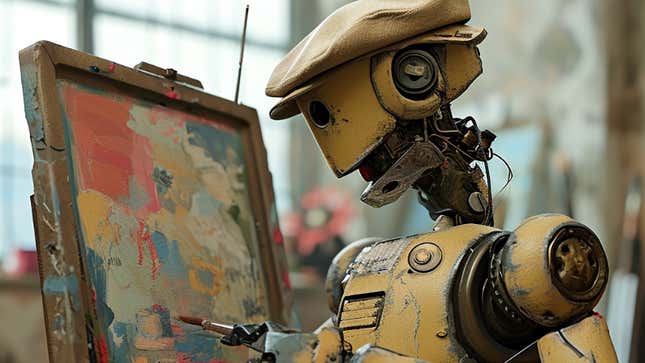
Midjourney released an upgraded version of its AI image-generating service, Midjourney V6, on Thursday. The update is a significant improvement that has truly wowed users with its shockingly realistic photos and attention to detail. It may not be here for long, so here’s how to get V6 working now.
Just like the previous versions, you’ll need to start in a Discord server with the Midjourney Bot. Once you’re there, simply type “/settings” in the chat bar, and you’ll be prompted with a list of Midjourney versions you can toggle between. Your default Midjourney version is likely V5.2, but you can switch to V6 for a limited time. Then you can create your prompts as usual just by typing “/imagine” followed by whatever you can dream up.
The other way to access Midjourney V6 is by following all your prompts with “—v 6” at the end. I find this way to be a little clunkier, but it works just the same.
Developers note that Midjourney V6 requires you to prompt differently than previous versions. V6 is much better at understanding you, so be as explicit in your prompts as you can be. If you want something more realistic, end your prompt with “—style raw” instead of asking with words.
The updated version is slower than other Midjourney models, but not by much. The photos they’ve created are so realistic, that Midjourney has turned up the dials on its moderation systems. Developers say they’ll be enforcing its community standards more strictly and rigorously, so “don’t be a jerk or create images to cause drama.” However, these photos are so convincing that it’s hard to imagine they won’t be used for deception.