


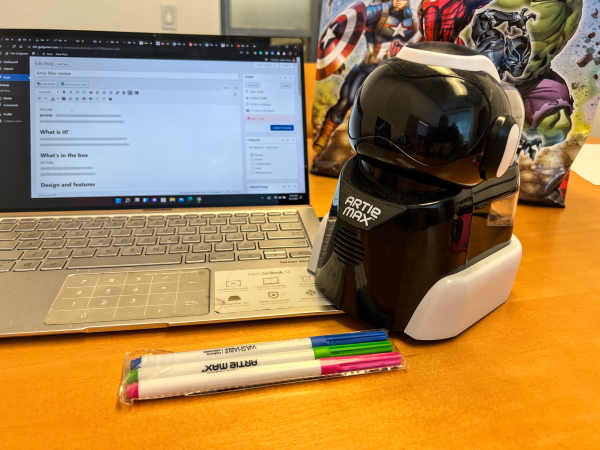
REVIEW – Near the end of 2019, I reviewed a STEM toy from Educational Insights called The Artie 3000. The same company now has a newer and more advanced STEM toy called the Artie Max. Let’s see what it is all about.
What is it?
The Artie Max draws in 6 major coding languages that kids can learn the latest STEM skills. It features built-in WiFi for a direct connection and eliminates the need for internet access. It also provides the opportunity for kids to bring creative coding to the drawing table.
What’s in the box
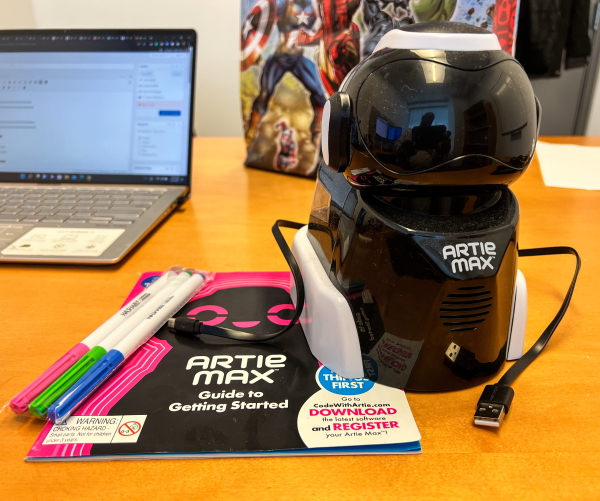 1 x Artie Max
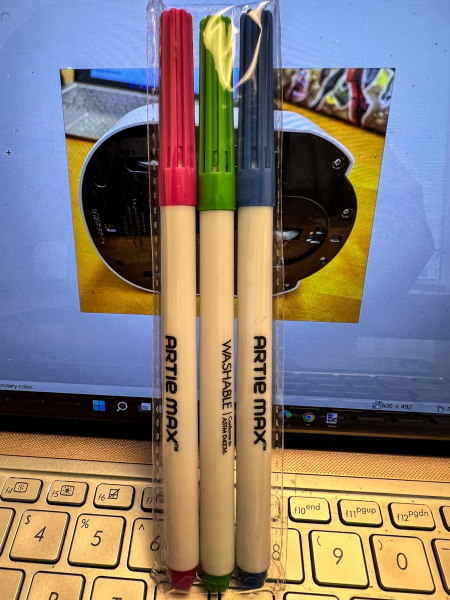
3 x Color Markers
1 x User Guide
1 x micro USB Cord
Design and features
Features
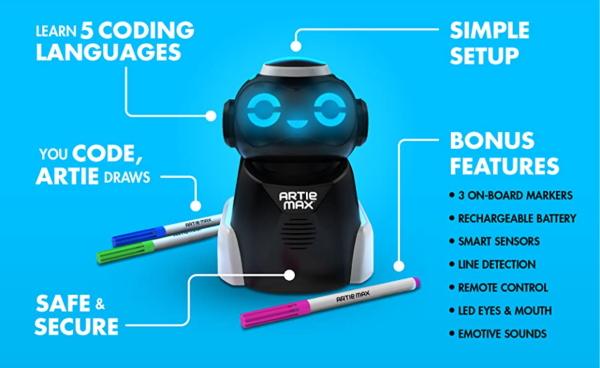
- TAKE CREATIVE CODING TO THE MAX: From simple designs to complex code creations, Artie Max translates your code into colorful works of art. With three interchangeable onboard markers, smart sensors, line detection, remote control functionality, a USB rechargeable battery, and more, Artie Max is packed with creative possibilities
- LEARN 5 CODING LANGUAGES: Artie Max comes ready to code with Blockly, Snap!, JavaScript, Python, and C++ in addition to Artie’s own simple UI packed with pre-programmed codes kids can learn with, all in one robot
- SAFE AND SECURE: No internet connection is needed! With Artie’s password-protected WiFi, simply connect your WiFi-enabled tablet or computer. Artie NEVER connects to the internet
- SIMPLE SETUP START CODING IN MINUTES: With built-in tutorials and an easy-to-follow guide included, kids can start dragging and dropping code for Artie to draw in minutes. Crystal clear instructions, built-in tutorials, and how-to videos make for a frustration-free coding experience every time
- PERFECT FOR CODING AT HOME OR IN THE CLASSROOM: Perfect for kids who enjoy art, computers, and coding— Artie makes a great activity for classes, computer clubs, STEM learning centers, and more
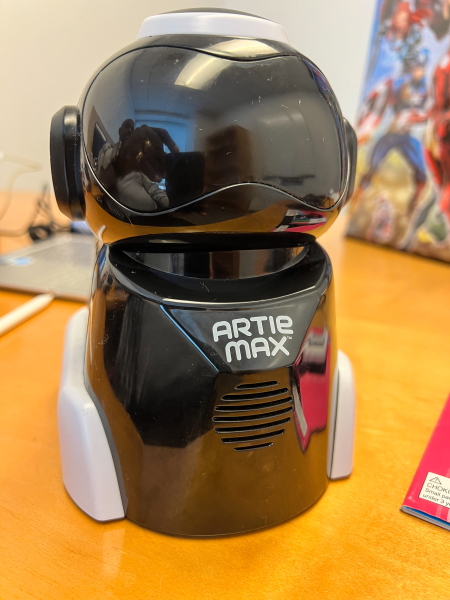
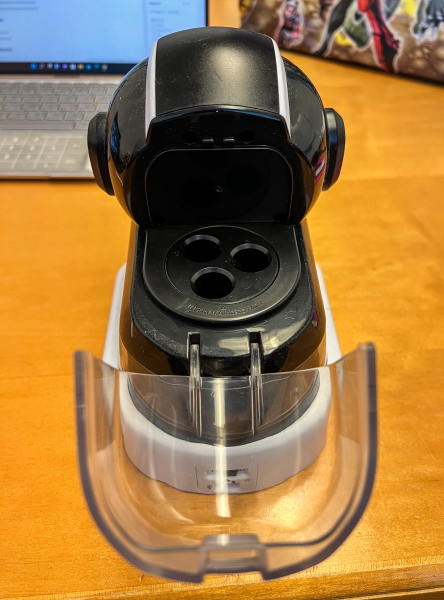
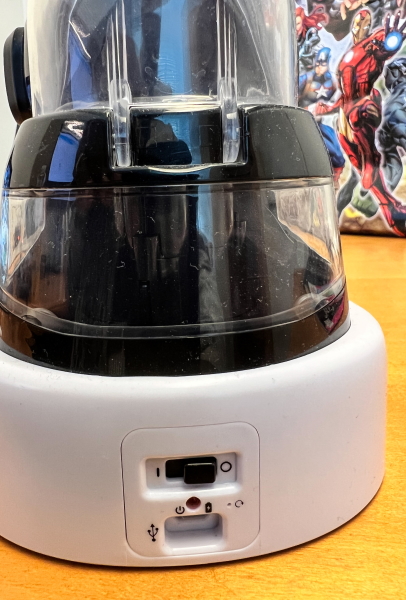
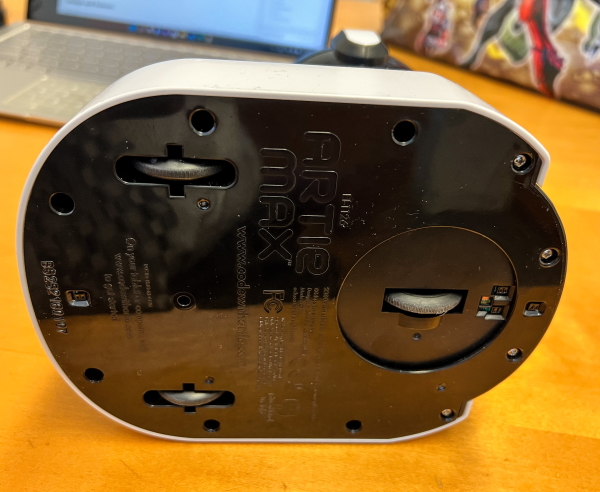
The Artie Max is made of plastic and features programmable LED lights for the face, 3 pen slots for drawing in up to 3 colors, and a built-in rechargeable battery. It has rubber wheels at the bottom that allow it to move. There is also a speaker on the lower front, and the on/off switch, and a micro USB port on the back.
Performance
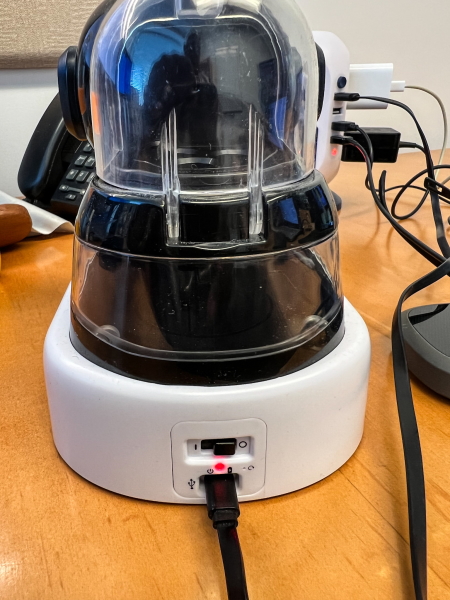
As would be expected, the first thing to do is to use the micro USB cable to charge the toy.
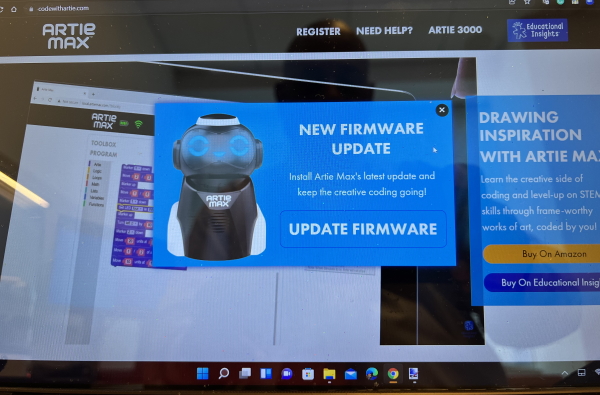
 Next, I downloaded the new firmware from my PC and then updated the device.
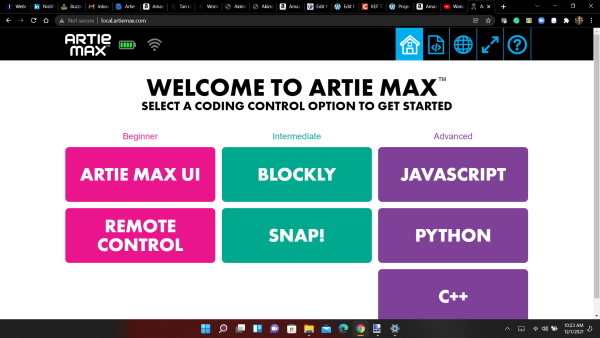
Next, it was time to get started as a beginner and I chose the “Artie Max UI” to test the device.
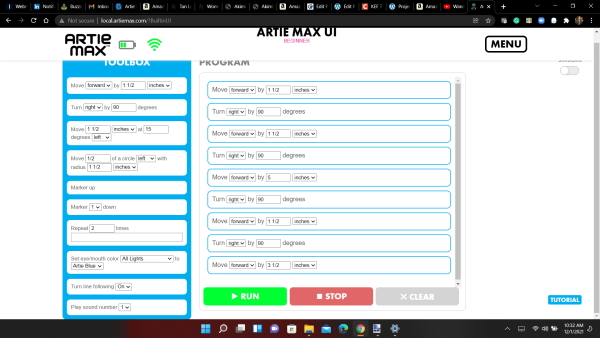
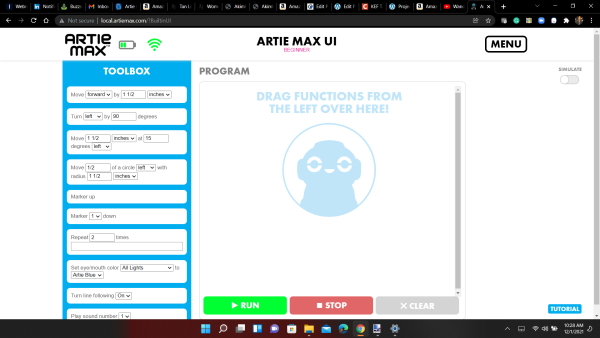 I used the drag and drop feature to design my first test drawing. I decided on a square. Here is the code:
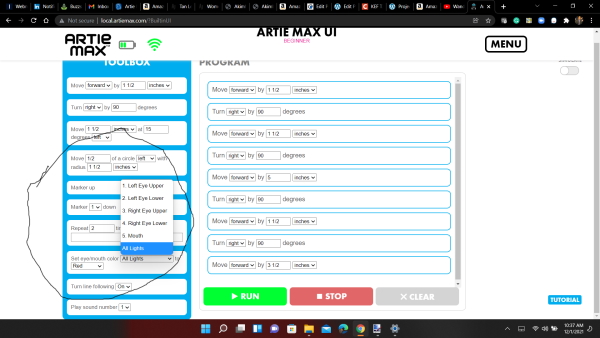
 In the circle below you can see the selections for changes in the colors in the face of the Artie Max.
Here is the result:
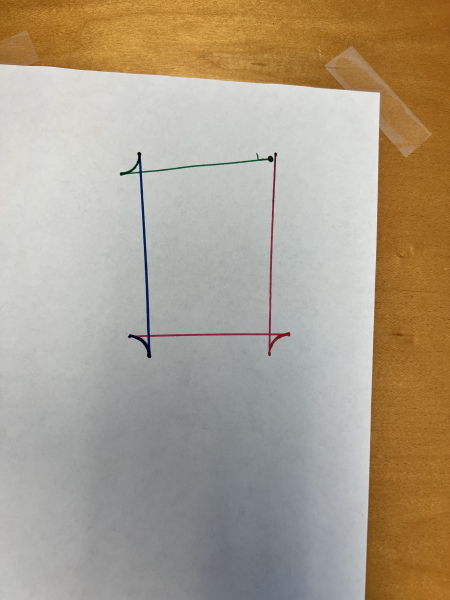 As you can see in the drawing above, the device does not seem to be able to make clean 90 degree turns. It was able to use different color markers for different lines just as I programmed it to do.
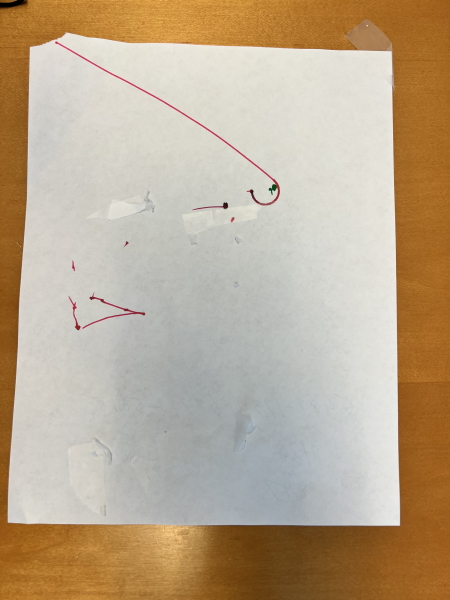
I then decided to try one of the preprogrammed codes from the tutorial. This is when the trouble started. The Artie Max kept disconnecting from the WiFi several times while I was dragging and dropping the code. Eventually, I got it to stay connected but the result was poor. Even though I placed the Artie Max in the center of the paper, it tried to draw the figure off of the paper as well. That would have been ok if I could see what it drew on the table and then back on the paper again, but it seemed to fail.
This was the result:
I did take a video of the entire problem but it was so long that I edited it just to show how the printing went after I fixed the WiFi issues:
Overall, I know that if/when the Artie Max works well it would be a nice STEM toy for my kids. Unfortunately, the WiFi issues and the issues when I run code but it does not execute, became too frustrating.
What I like
- The design concept
- The programmable LEDs
- The STEM learning possibilities
What I’d change
- Fix the WiFi connectivity
- include a large drawing board that will allow for the insertion and removal of drawing media as opposed to taping and removing sheets of paper from a surface
- make sure that the Artie max responds to the code correctly every time
Final thoughts
After testing the Artie 3000 and seeing that my kids enjoyed the design and concept, I was very excited to try the Artie Max and was filled with anticipation. The entire experience has left much to be desired. From the beginning, I have to go through the firmware update a few times for it to work. After the first relatively successful test, I was getting excited again but then it seemed to be plagued with WiFi connectivity issues, and having to tape a piece of paper to my desk each time to draw just seems like there is an opportunity for educational Insights to include a practical solution. I am sure that when the Artie Max works well, kids would like it because it offers several opportunities to learn some coding. My frustration with it has not allowed me to get that far.
Price: $109.99
Where to buy: Educational Insights website, Amazon
Source: The sample for this review was provided by Educational Insights.

