


Back in 2024, I was taken in by the pretty views of Alienware’s 32-inch curved 4K 240Hz QD-OLED monitor. Since then, however, the company’s monitors appear to have gone a bit off the rails.
If I rattled off everything about Alienware’s new AW3926QW, you’d end up feeling dizzy. To save you a headache, I will go through this screen step by step. The new 39-inch OLED monitor supports up to 5K resolution and 224 PPI (pixels per inch). At that resolution, you’ll max out at a 165Hz refresh rate (you can only max out the resolution using DisplayPort). It’s also a dual-mode monitor that can do 330Hz at 1080p. Though, as owners of Samsung’s 6K Odyssey G8 will probably tell you, if you’re searching for games that support resolutions higher than 4K, you’ll be limited to a fairly specific library.
Whereas a QD-OLED monitor uses a standard OLED panel with an extra layer of quantum dots, the new 39-inch curved screen uses “RGB Stripe Tandem OLED.” RGB Stripe is a relatively new screen technology developed by LG that employs a layer of red, green, and blue subpixels arranged in a line in front of four layers of self-emissive OLED lights. The point of all this is to enhance colors and reduce the kind of “fringing” you’ll find on some OLED screens, where text seems frayed at the edges.
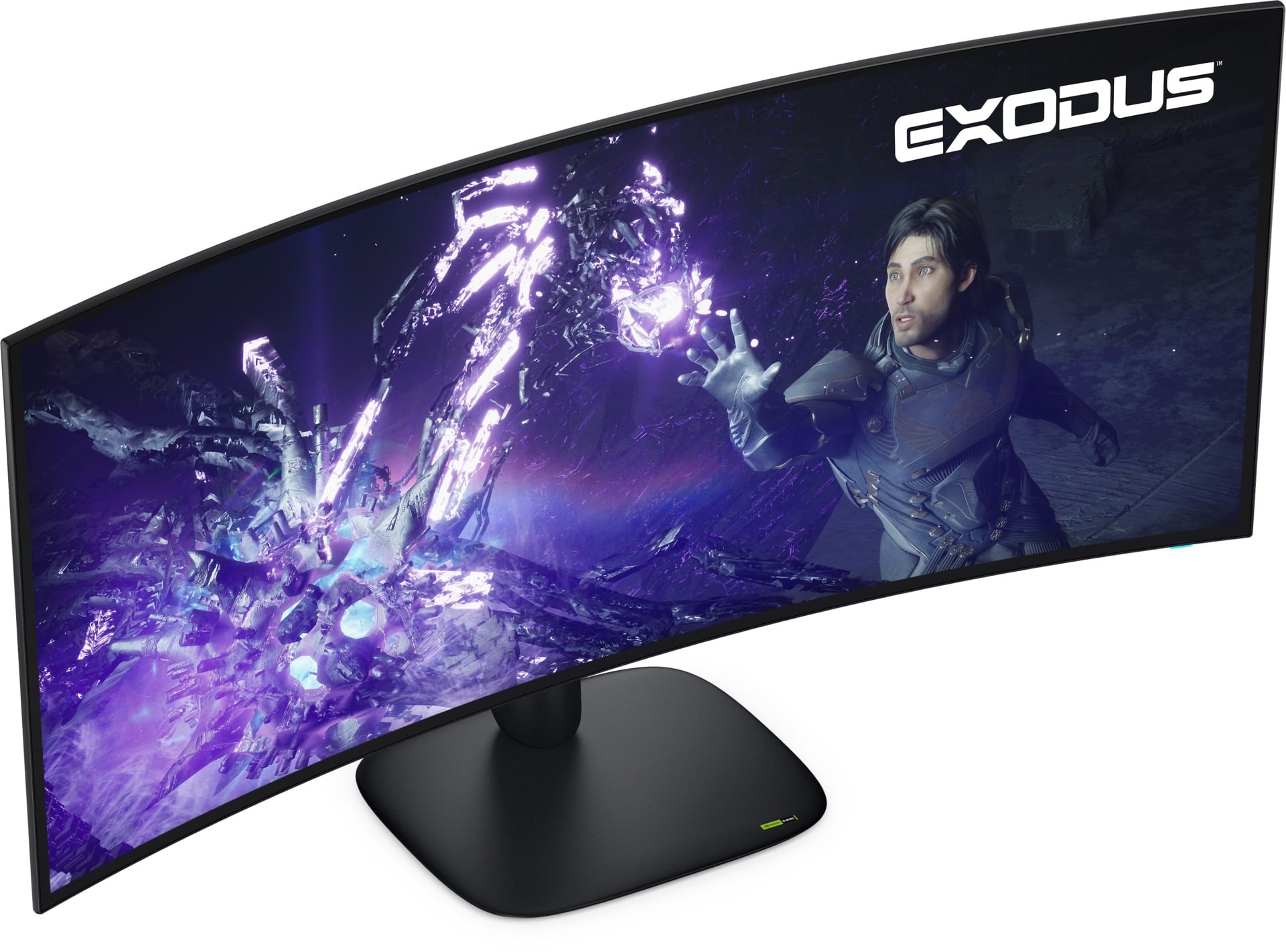
The AW3926QW still has all the benefits of OLED displays, namely the excellent contrast and near-instant 0.03 pixel-to-pixel response time. Alienware promises the display is VESA Certified DisplayHDR True Black 500 and promises to hit 1,300 nits of peak brightness in HDR. Add to that support for Dolby Vision and VRR via AMD FreeSync and Nvidia G-Sync, and the monitor seems especially versatile for gaming or other entertainment.
The new curved screen uses a similar stand to last year’s AW3225QF, which the brand refers to as part of its “Alienware 30” design language. It’s enough to make the monitor stand out on your desk. It has a few extra amenities, such as up to 90W power pass-through using one of the three included USB-C ports. There are enough USB-A and USB-C ports combined that you should be able to connect what you need to your PC—unless you need to go ham on the HDMI, because there are only two of those, in addition to one DisplayPort 2.1.
The lack of 240Hz support at 4K may make the monitor seem lackluster compared to other high-end gaming screens. I’m of the opinion that 4K 240Hz is, for most gamers who are just playing single-player titles or casual multiplayer, wholly unnecessary. The 1080p at 330Hz will be enough for us wannabe pros.
Of course, there’s no pricing or availability information available. If you read through this monitor’s feature list, you should already be aware that this thing won’t be cheap.

