


AR glasses are on fire right now. Not in the VR kind of way where the whole house is burning down, but in the “wow, there are a lot of great options to choose from” kind of way. Hot on the heels of the X by Xreal (XBX) a01+ AR glasses, Viture has released its own pair at the same price point with a similar feature set.
The $299 Viture Pro 2 are the newest pair of video glasses to join the entry-level AR race, and while they already have some tough competition, they’re making a case as one of the strongest value pairs out there.
Viture Pro 2
The Viture Pro 2 are excellent entry level AR glasses with lots of features and a bright, sharp, micro OLED screen.
- Competitive starting price
- Screen is bright and sharp
- Glasses are light and comfortable
- Plenty of features
- Diopters for people who need to adjust for their vision
- Companion app is a bit buggy at times
- Needs an expensive dongle to use every feature on an iPhone
An all-around upgrade
In the context of previous Viture AR glasses, the Viture Pro 2 are a massive upgrade. Compared to the first Pro pair, they’re sharper, brighter, lighter, and (to hammer all of that home), way cheaper. They MSRP at $299 compared to $449.
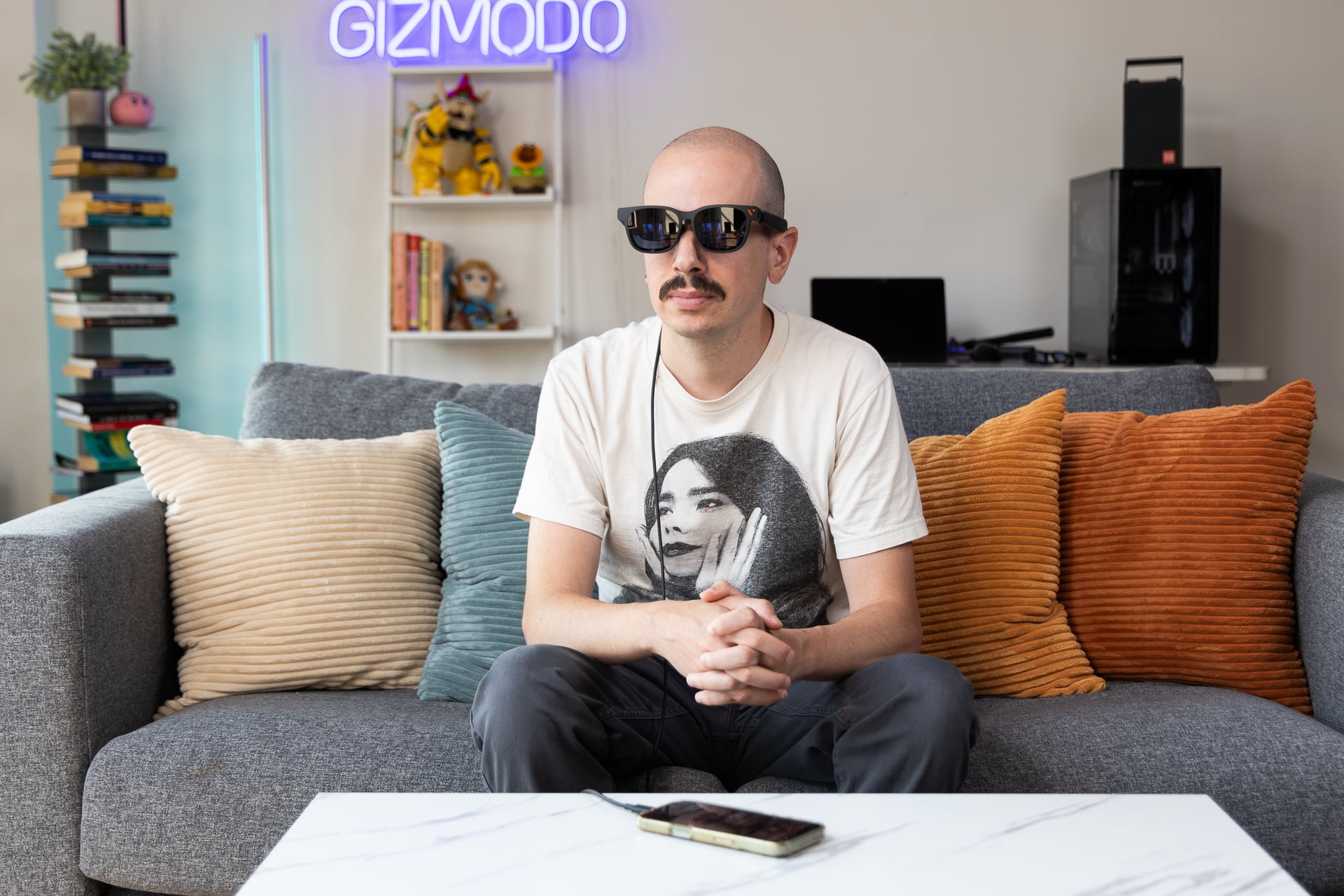
The question isn’t necessarily how they stack up to old Viture glasses; it’s how they stack up next to the competition, and in my experience using them, the answer to that question is “surprisingly well.” The first thing you notice when you put on the Viture Pro 2 is the sharpness. According to Viture, the Pro 2 are sharper than the previous generation thanks to a few things, including a micro OLED display and what Viture calls UltraClarity 3.0, which is meant to reduce blurry corners and visual artifacts like color fringing.
While I’ve not tested the first generation of Viture Pro AR glasses, I can say from experience that the Pro 2 feel sharper than budget competitors like the a01+ from X by Xreal and even the RayNeo Air 4 Pro. The display is 1080p, and it looks plenty bright with a peak of 1,600 nits—that brightness is the same as the a01+ but slightly brighter than the RayNeo Air 4 Pro, which maxes out at 1,200 nits. On top of all that, the Viture Pro 2 also has a 120Hz refresh rate, which makes it quite smooth and quick enough for gaming.
To put the Viture Pro 2’s display to the test, I threw a whole spectrum of content at the glasses. For watching movies, I watched portions of movies like Jurassic Park and The Dark Knight on Hulu, and the quality was solid—there was enough brightness, and the resolution was high enough to feel immersed. Overall, watching movies felt about the same as Xreal and RayNeo’s comparably priced options, though a bit sharper. There was no blurring on the edges of the screen that I noticed, and no distracting visual artifacts.
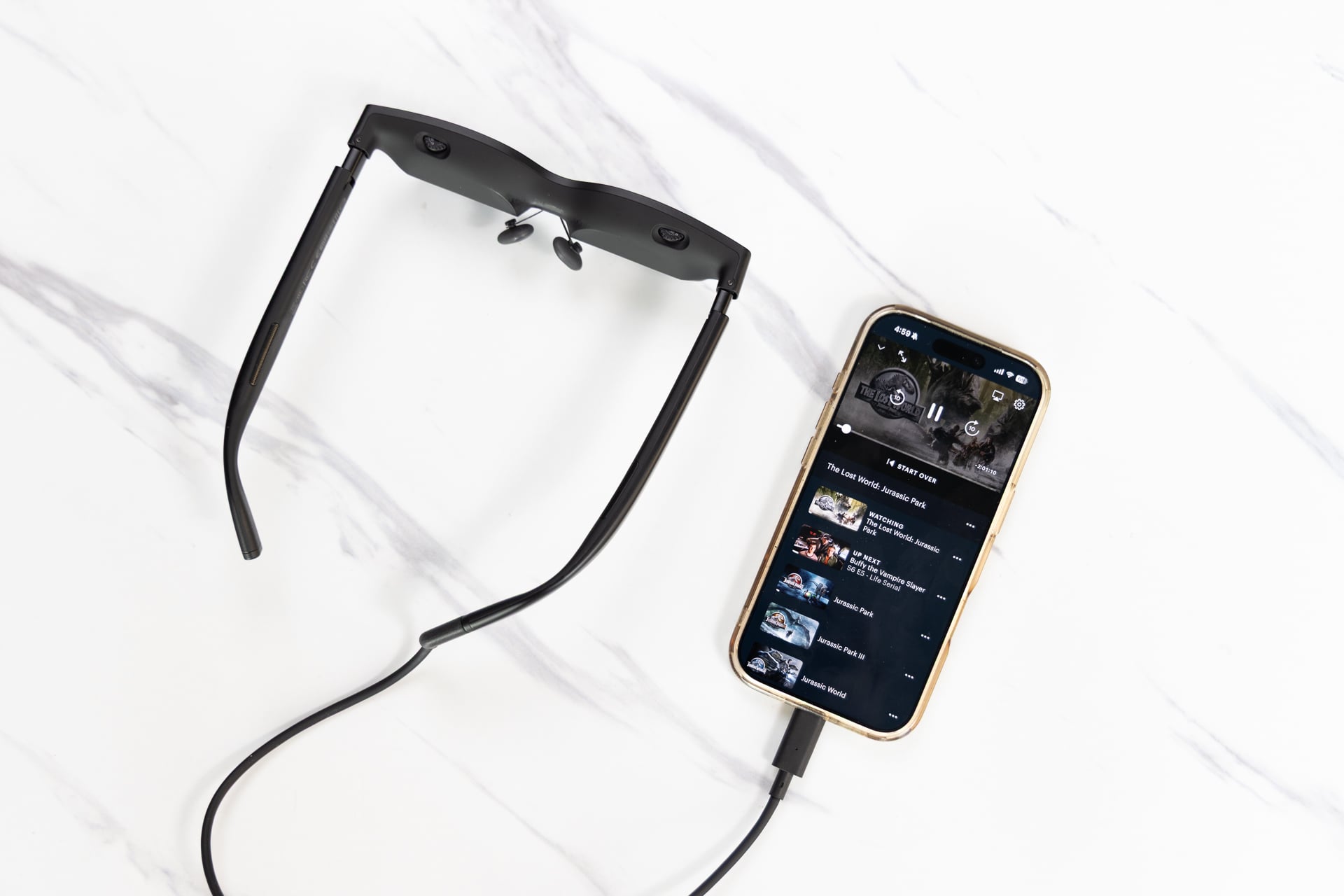
If there’s one difference between the Viture Pro 2 and the other two pairs, it’s the lack of HDR10, which does make the dynamic color range maybe slightly less robust, but I can’t say that it was enough to make me feel like I was truly lacking.
The screen size is listed as 146 inches virtually, and that seems about right even if the “virtual” size measurements on glasses are mostly marketing fluff. If I put a phone four inches from my face, is it the equivalent of watching on a 100-inch screen? I think most people would say “not really.” Either way, RayNeo’s Air 4 Pro still have the biggest virtual screen size at 201 inches, and that does translate in practice. If having the biggest virtual screen is a big priority for you, this isn’t the option for you.
The Viture Pro 2 are equally as solid for gaming as they are for watching content. I tested the Viture Pro 2 out on a PlayStation 5 by using the company’s $130 mobile dock that allows you to link HDMI to the AR glasses. You won’t have to use the mobile dock for every platform—a handheld gaming PC with DisplayPort technology, for example—but consoles like the Switch and PlayStation, which don’t output video via USB-C, will require a dock.
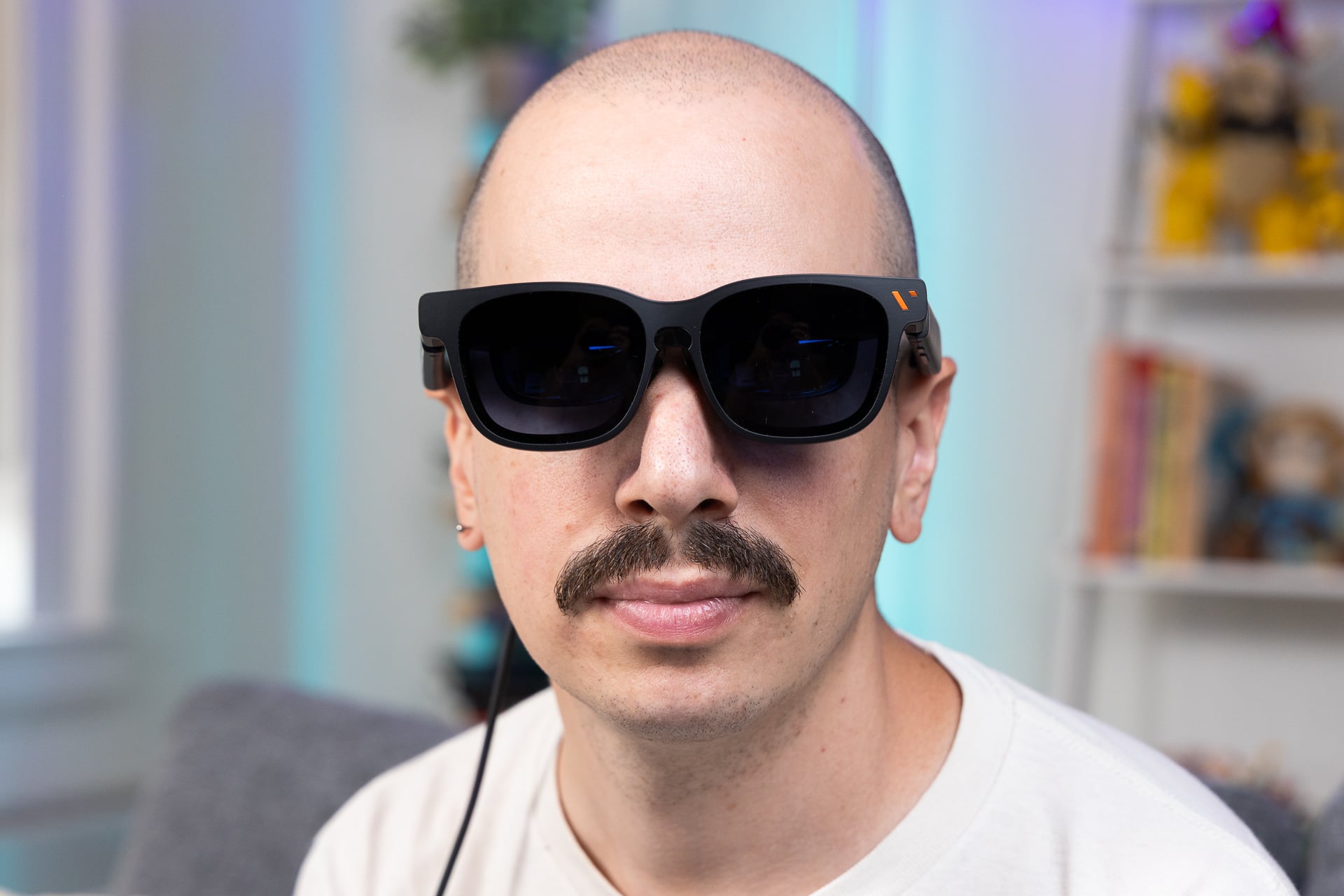
I played Star Wars: Jedi Survivor at 120Hz, and everything felt smooth, sharp, and bright enough, just as it did while watching movies—same as when I played Gears of War: Reloaded. I wouldn’t ever use a pair of AR glasses as my main screen, but if I were on a plane, I’d be happy to have the Viture Pro 2 by my side, even if it requires a dock for support on consoles—a caveat that every pair of AR glasses unfortunately deals with, by the way.
While the Viture Pro 2 is neck-and-neck screen-wise with the RayNeo Air 4 Pro and the XBX a01+, it shines on the audio side. The speakers on the Viture Pro 2 are surprisingly rich and well-suited for gaming and watching movies, especially the former. Playing Gears of War: Reloaded, there was a spatial quality that I liked, allowing you to hear important environmental noises. Movies felt well-balanced, too, and didn’t sound too tinny or underpowered. They aren’t the loudest speakers in the world, so you may struggle in louder environments, like on a plane, but in a normal setting, I was happy.
Lighter on your face and wallet, but not on features
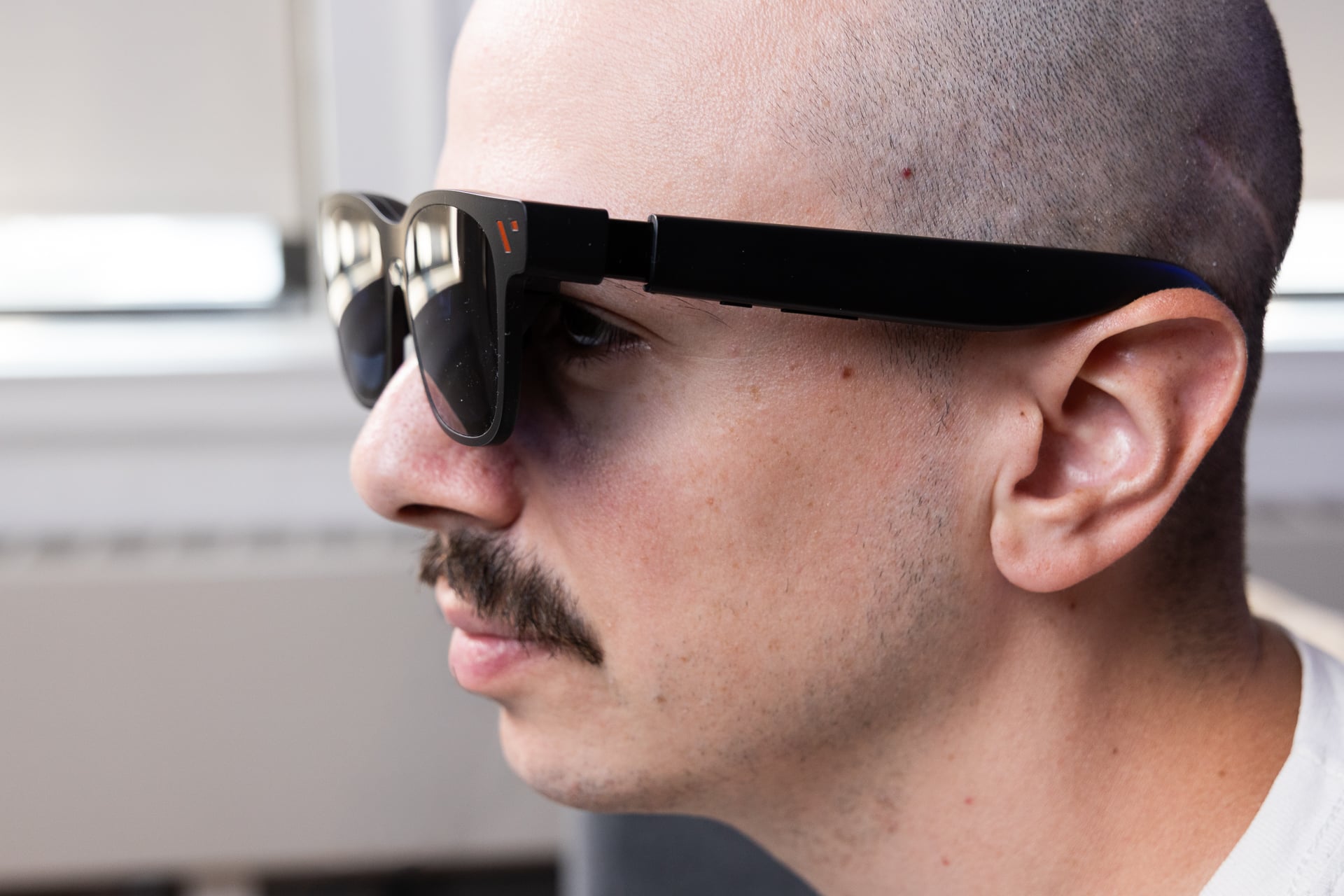
If there’s one thing I can really appreciate about the Viture Pro 2, it’s that there was seemingly a lot of thought that went into them. On the hardware side, there are nice flourishes like diopters that you can adjust to better suit your vision—especially important for people who are nearsighted. They’re also competitively light at 63g, which is only 1g heavier than the a01+ by XBX. The RayNeo Air 4 Pro are the heaviest of the bunch at 76g. Overall, I would say the Viture Pro 2 are comparable in comfort with the XBX a01+, which is to say they’re pretty comfortable.
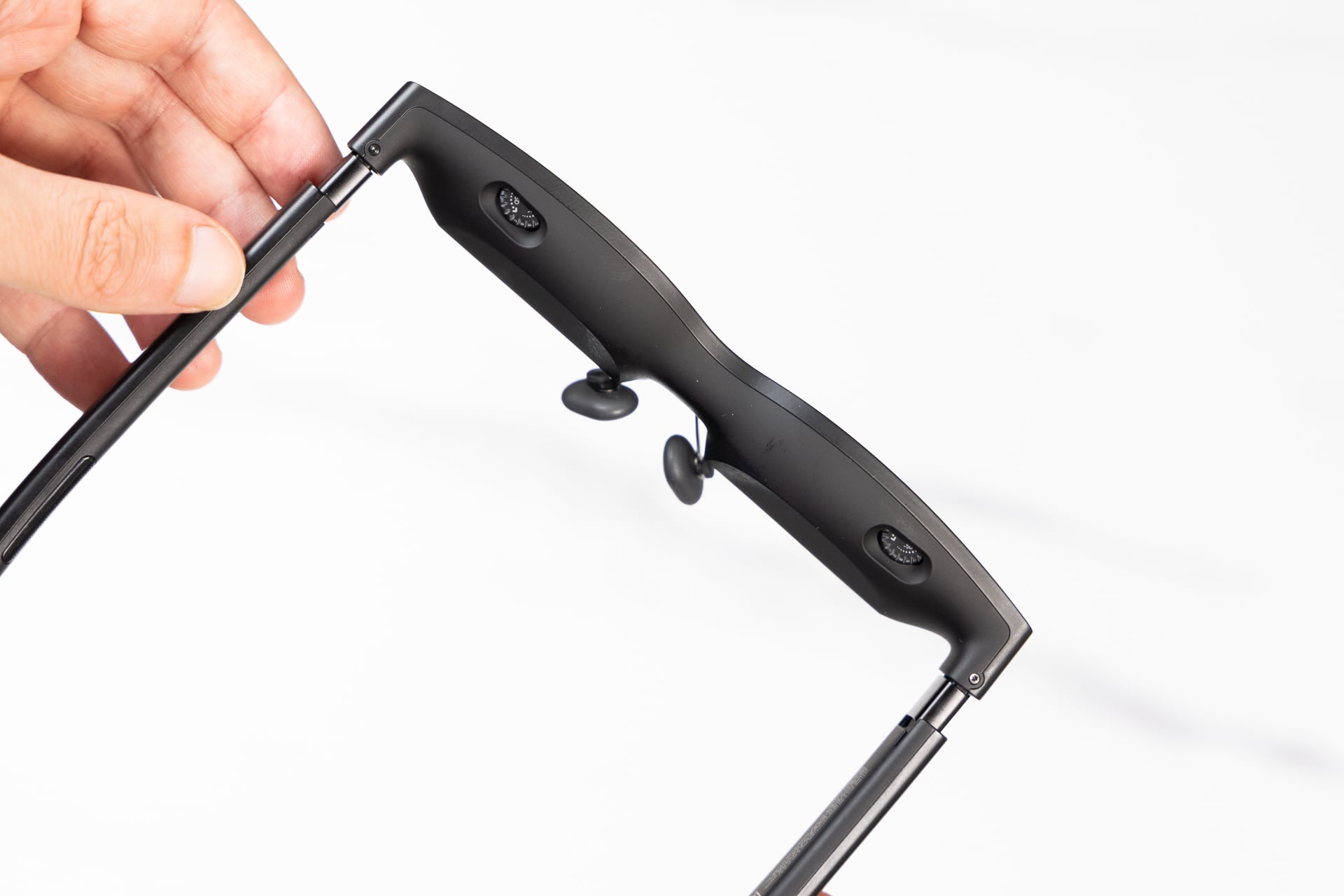
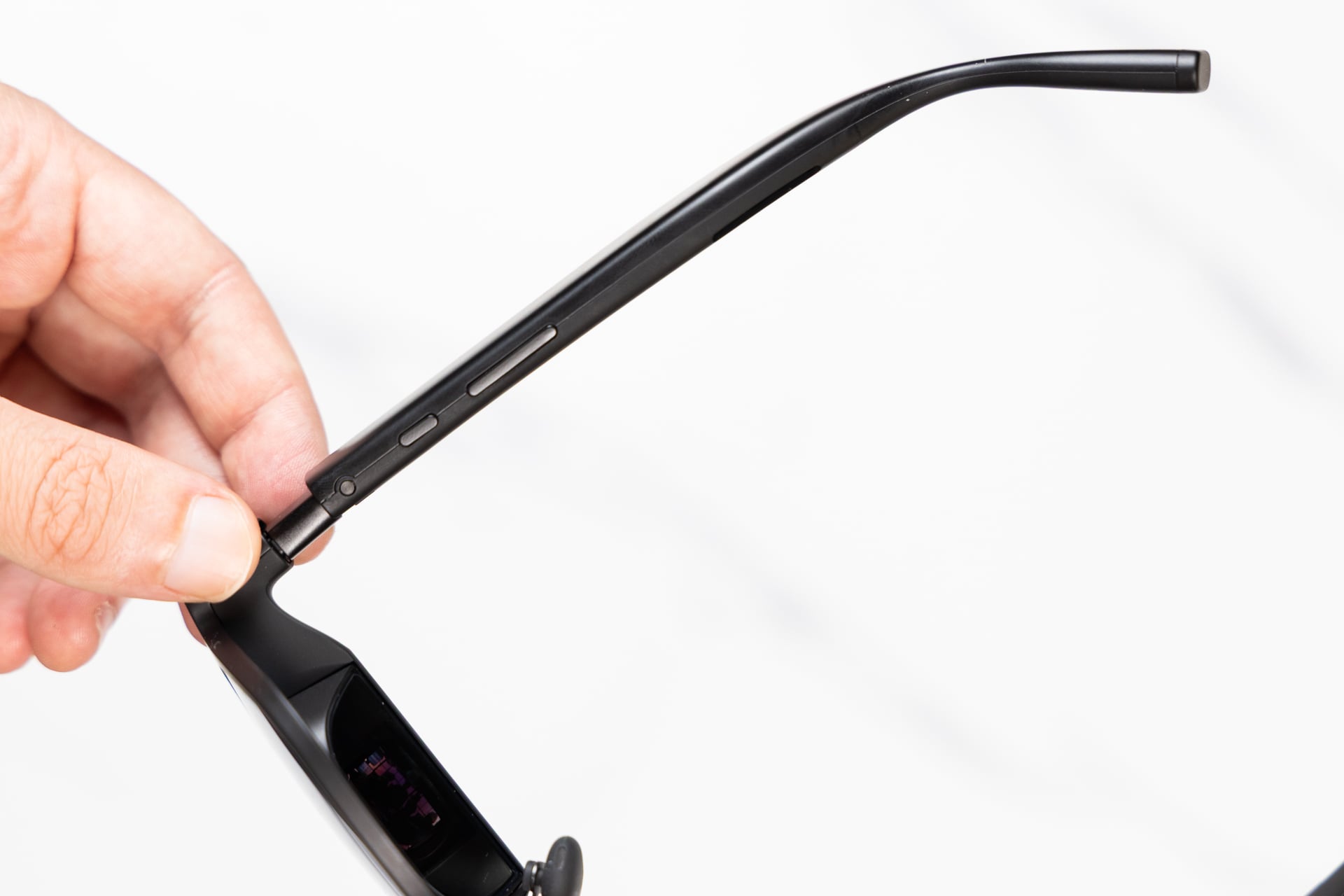
Buttons are your run-of-the-mill—there’s a rocker for volume and brightness and a multi-function button for stuff like switching to stereoscopic 3D. There are no navigable menus launched by these buttons.
Unlike the a01+, there’s a companion app for the Viture Pro 2, which expands the abilities. By downloading SpaceWalker, you get access to a hub where you can access all sorts of features. One nice touch, similar to the RayNeo Air 4 Pro, is the various ways to enhance content that lives on your phone’s camera roll. You can convert videos to stereoscopic 3D content and play them back in the glasses, which probably isn’t something you’re going to do all of the time, but is a pretty fun experience.
I was surprised at how much extra dimension I was able to experience on the Viture Pro 2 while watching videos taken on my iPhone 17—it was like I was really there, playing with my cat, who was coincidentally just a few feet away from me while I watched.
Speaking of immersion, there’s also a VR mode that allows you to play head-tracked 360-degree files like you would on a VR headset, though in order to use this feature on an iPhone as I did, you need a separate dongle that costs $80. If you’re using this feature on an Android device or a Mac/Windows desktop/laptop, you can go dongle-free.
Needing a dongle to use spatial features on an iPhone isn’t ideal, but I guess if you’re really into 360-degree or 180-degree content, and you want to use an iPhone as your main device for watching it, it could be worth the price. I watched a bit of 360-degree video using the feature, and I can’t say it’s something I’d want to do all the time, though it was fun for a bit. Not quite as immersive as using a real XR/VR headset, but fun.
You’ll also need said dongle for a spatial computing-like experience on an iPhone. Using the Viture Pro 2 and its support for three degrees of freedom (3DoF), you can use “pin mode” to enable head tracking for navigating windows inside the SpaceWalker app and also pin apps in space, like a browser or some kind of media. The idea here is that you can pin apps in a place that you want and then avert your gaze to look at other things. I can’t see myself using this kind of spatial computing, but it did work fairly well, so if that’s your thing, maybe the dongle is worth the expense.
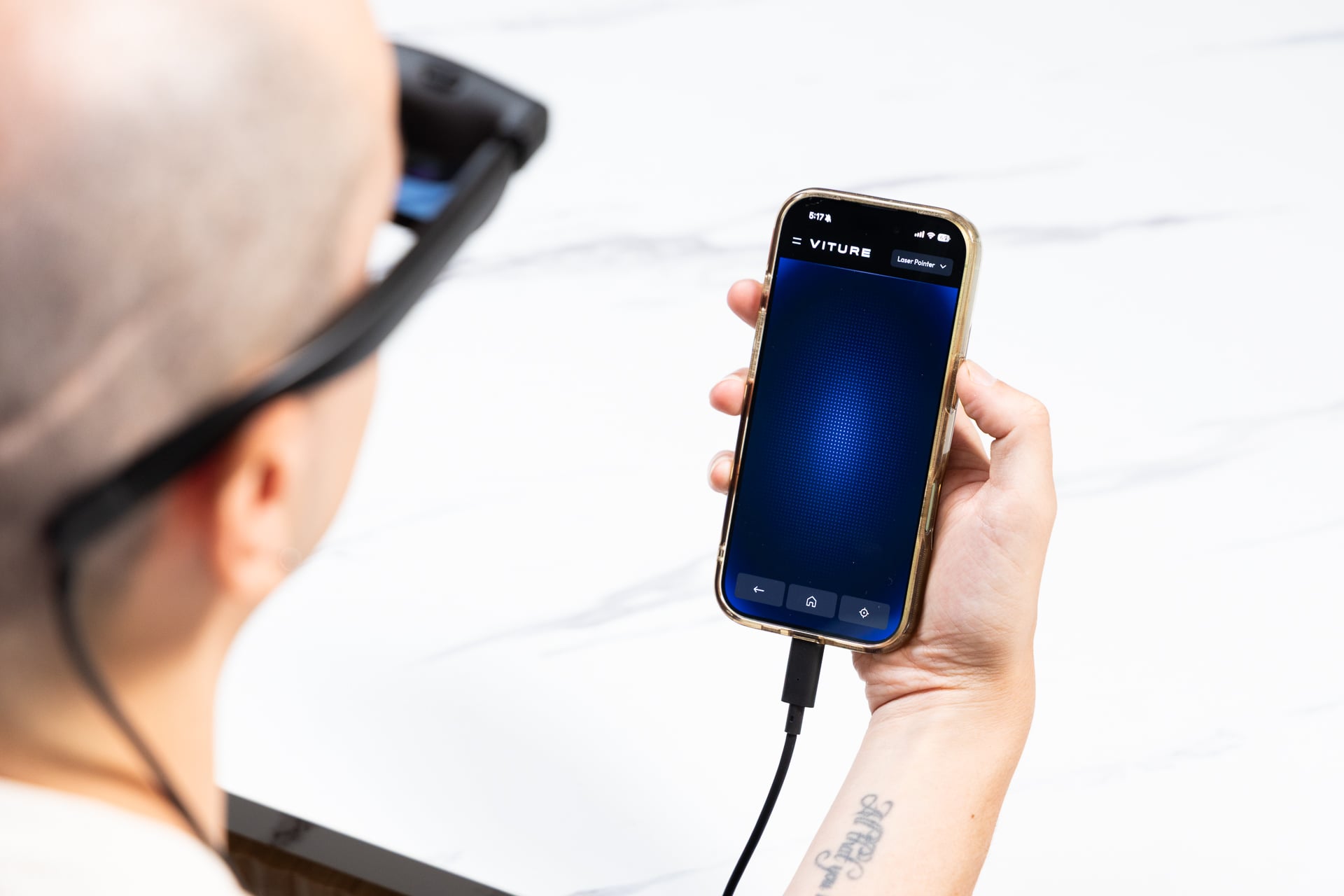
In addition to spatial computing and converting content, the SpaceWalker app provides a kind of hub for apps, like Hulu, Plex, Netflix, and even Xbox Cloud Gaming. It’s not necessary to use the SpaceWalker app to launch those, but I guess it’s nice to have them all in one place. To navigate the hub on an iPhone (and the SpaceWalker app in general), you can either use your phone as a “laser pointer,” waving it around the room to point and then tapping the screen to select, or a trackpad. The trackpad option didn’t seem to work for me, though—it didn’t register my inputs. That bug brings me to my next point.
If there’s one complaint I have about SpaceWalker, it’s that it can be wonky at times. Xbox Cloud Gaming, for example, wouldn’t transmit audio when I tried to log in and play some Halo. Soundless Halo is not ideal, and when I tried to select the Xbox button at the top left to access the sound options, I just got a bunch of code in the menu.
Also, by default, there’s also a broadcast news channel that displays as soon as you open the app that I could really do without. While I appreciate Viture’s effort to keep people informed, I’m going to go out on a limb and say most people aren’t buying AR glasses to watch the news.
I had buggy UI issues while trying to log into Hulu, too. Every time I tried to enter my email address, SpaceWalker bounced me from the page. It was only mildly infuriating, and the good news is you absolutely don’t have to use SpaceWalker to watch content anyway.
Still, even if SpaceWalker had some quirks, it was nice to have all of the additional options an app provides, which is something XBX doesn’t have for the same price.
A close AR race indeed
Things are very interesting at the entry level in AR glasses right now, and the Viture Pro 2 are proof. These AR glasses are fairly approachable price-wise, bright, sharp, light, and though there are some caveats with 3DoF (like the need for a dongle on iPhone or a dock to connect to consoles), they’re quite feature-rich.
If you’re at all interested in spatial computing and think you’ll enjoy the augmentation of a companion app, the Viture Pro 2 are an easy choice, beating out XBX’s a01+ and the RayNeo Air 4 Pro by a small, but perceptible, margin.

