


Know where to place your router and how to position its antennas should get you better coverage.
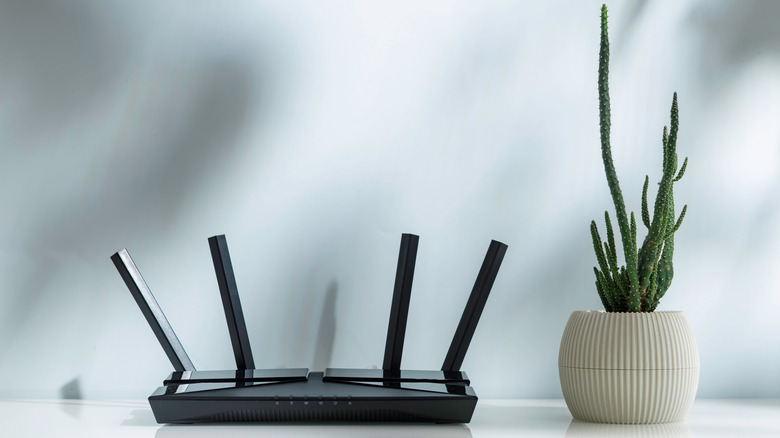
Let’s be honest here: have you ever actually read your router’s instruction manual to know how to position it properly? How about learning how the antennas should be placed too? I know I haven’t browsed beyond the technical setup pages or paid much attention to the rest of the booklet. Well, it turns out there’s actually a correct way to position both the router and the antennas.
The router’s antenna position directly affects Wi-Fi signal strength, coverage range, and dead zones throughout the home. Most people (yours truly included) plug in the router, leave it in a corner, and only think about it again when the internet is down. And most of the time, that’s fine — but if your Wi-Fi slows down in some rooms or starts stuttering during video streaming, for instance, the problem may not be your internet provider. It might just be you.
Thankfully, a few small adjustments can make a genuine difference. Fix the antenna direction, place the router in the right place and at the right height, and you’ll see quite the difference.
How do Wi-Fi antenna signals actually work?
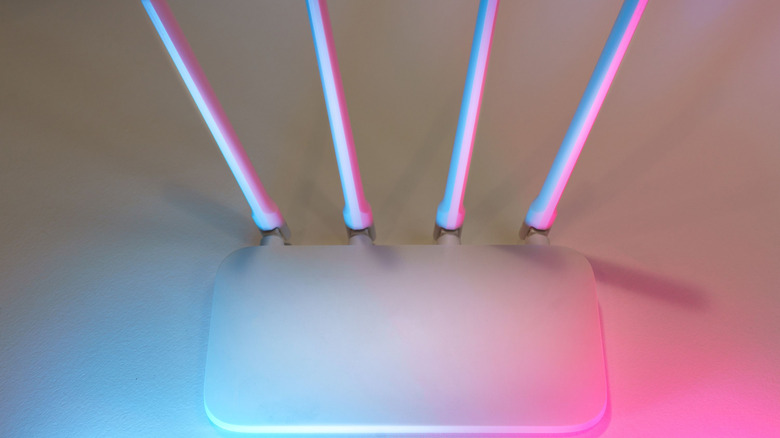
Most router antennas are omnidirectional, which means they broadcast in all directions at the same time. The signal is strongest perpendicular to the antenna, not along it, which makes sense because it’s not a lightsaber. Therefore, a vertical antenna that points straight up radiates signal outward horizontally, covering the floor you’re on.
A horizontal antenna does the opposite, pushing the signal upward and downward, which is useful if you have multiple floors. That’s why the way you set your antenna direction has actual, real consequences.
Modern dual-band routers broadcast on two frequencies simultaneously. First is 2.4 GHz, which provides slower speeds, but longer range and better wall penetration. 5 GHz, on the other hand, hits better speeds but is more susceptible to physical obstructions, while also covering a smaller area. Even newer tri-band routers also provide 6 GHz, which is a massive speed boost with near-zero interference. However, because it operates at a higher frequency, its signal doesn’t travel as far and struggles more to go through solid walls compared to 2.4 GHz or 5 GHz.
How should you position router antennas for different home layouts?
If you live in a single-floor home or an apartment, point all antennas straight up. Vertical positioning causes signals to radiate horizontally, hitting your entire home.
For homes with more than one floor, pointing all antennas straight up leaves other levels underserved. The solution, according to TP-Link, is to angle at least one antenna at around 30 degrees. The tilt is enough to spread the signal both sideways and vertically. Depending on how many antennas your router has, you could get a bit creative about which ones you place one way or the other.
The principle behind all this is the same — mixing antenna orientations fills in the gaps that a single direction leaves behind. As long as you match your antenna setup to the shape of your home, you’ll notice fewer dead zones.
Where should you place your router for the best coverage?
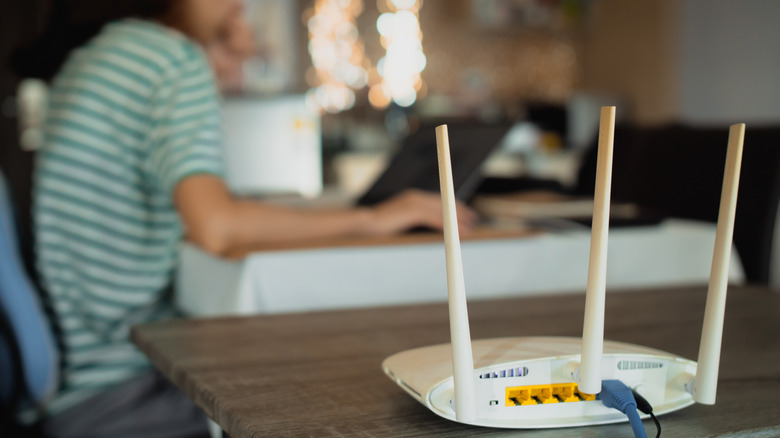
We can’t discuss antenna positioning for proper coverage without also discussing router placement. You’ll only get the best results if you get both of these right. When it comes to where you should put your router, there are three factors to consider: how central the location is, how high off the ground the router sits, and what’s sitting nearby that could disrupt the signal.
A router needs a central location. If you’re placing it against an exterior wall, it wastes half its signal broadcasting outward into the open air. The height you’re placing it at is also important. TP-Link recommends placing your router about 1 to 1.5 feet off the ground, aligning the signal with most of your devices.
There are also several common household items you should not have near your router. Everything from microwave ovens to fish tanks, Bluetooth devices, metal objects and thick concrete walls can interfere with your Wi-Fi signal.
Obviously, you can’t have the router floating in the middle of the living room, but you’ll have to take at least some of these things into consideration when finding its home. Combine this with being extra careful about the position of its antennas and you’ll make the most out of the speed your internet plan provides.

