


A river of RGB light runs through the iBuyPower Trace X case, piercing up from the bottom of the gamer PC tower’s side panel through the top exhaust vents. Through the looking glass, shrouded in glow, this jumble of glass, aluminum, and silicon is like a fish tank swimming with light.
This variety of elegant “fishbowl” PC cases has become popular these past few years. The Trace X, in particular, is the kind that would make the preteen version of me swoon. Then, you open up the side panel, expose the RGB light strips underneath, and find it nearly impossible to access the power supply cables underneath. That’s not to knock iBuyPower’s latest tower too hard. It’s likely the most appealing of its 2026 Gen 10 prebuilt gaming desktops and a solid PC in its own right. It’s just a reminder that the Trace X is made to be ogled first and fiddled with second.
iBuyPower Trace X
This prebuilt PC may not be as easy as other pre-configured desktops, but its certainly more beautiful because of it.
- Beautiful look
- Clean cable management
- Powerful with the right specs
- As expensive as all PC parts separately
- Need to install GPU
- PSU difficult to access
- A fingerprint magnet
With the supplied components, including a top-end AMD Ryzen 7 9850X3D gaming CPU, 32GB of RAM, and an Nvidia GeForce RTX 5080 GPU, the iBuyPower Trace X (RGB R01) would cost $3,450 as of early May 2026. Who knows if the cost of RAM will push the price of this PC even further. Just half a year ago, you could have built a similar PC for less. When I put the same components into BuildCores, I come out with a PC that costs about the same.
The end result is that preconfigured PCs are now not only easier on the end user; they may also save you money as well as time. That’s the kind of statement that seems anathema to the entire notion of PC gaming, but that’s where we’re at. At the very least, the Trace X will look far better on your desk than most other metal or plastic towers.
Practice installing your own GPU
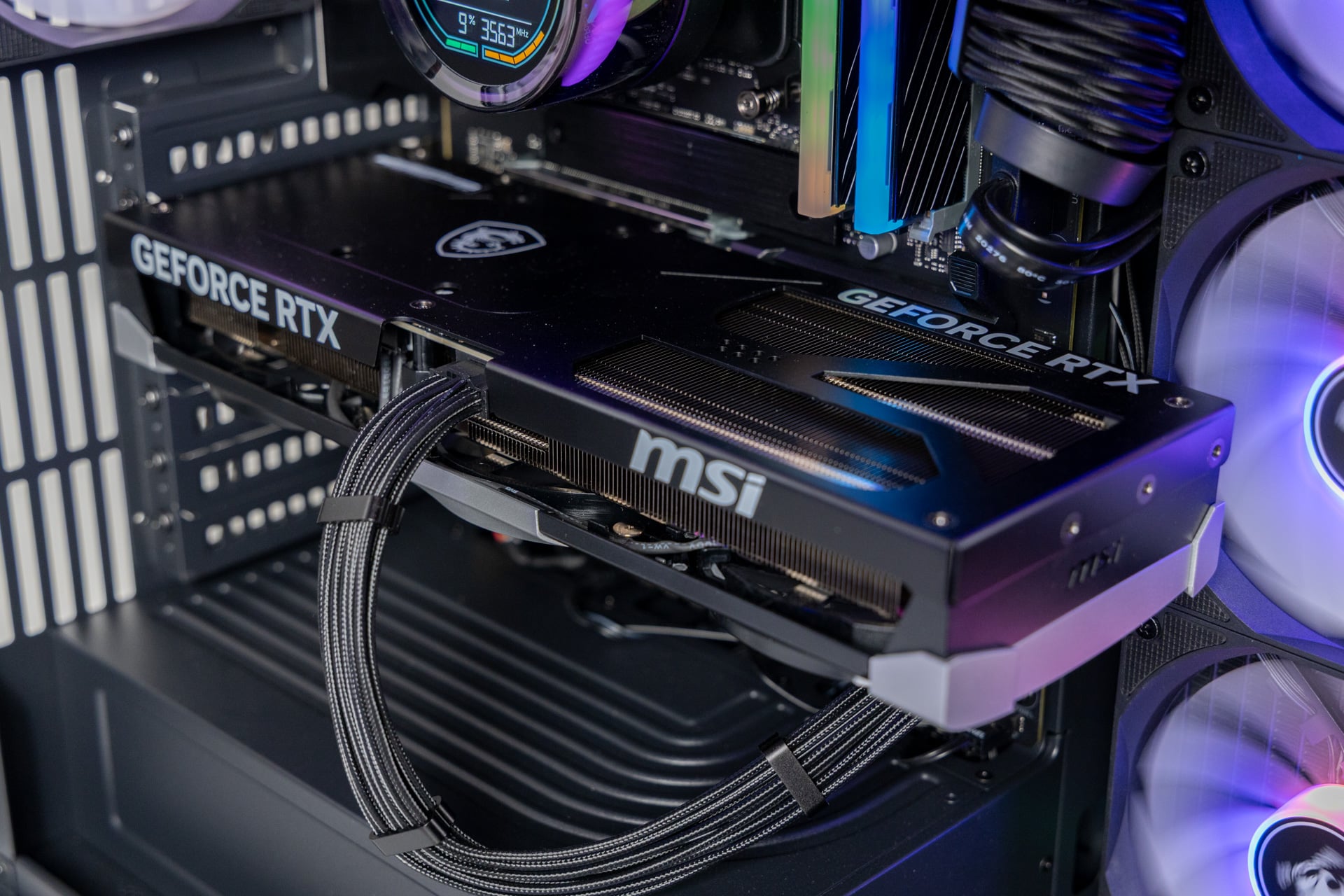
There are many prebuilt PC brands that focus on creating a seamless package. You spend a heap of money, and you don’t have to do anything but excavate it from the box, plug it in, and start playing. iBuyPower is more traditional, necessitated by the shape of the case. There is no GPU bracket to keep the GPU stable during transport. Instead, the RTX 5080 GPU came in its original MSI-branded packaging. This means you’ll need to slot it into the top PCIe Express slot on the motherboard yourself, then plug it into the awaiting 12VHPWR cable.
That doesn’t actually take much effort. If this is your first PC, you should learn the kind of skills you’ll need to upgrade your tower. The case is pretty enough that you could potentially stick with this design over several generations, so long as AMD keeps supporting the AM5 CPU socket (the chipmaker recently promised support for AM5 in the “long term”).
You don’t have to do anything more than setting up your PC as normal—which will require spending too much time shepherding Windows 11 through its myriad settings and updates.
When all is said and done, this PC is a looker. The soft glow from iBuyPower’s branded side fans and the company’s AW5 360mm AIO liquid cooler provided a calming gamer ambiance to my work desk. If you don’t mind the appearance of that screen-filled CPU cooler’s power and connection cables snaking up and behind the motherboard, the Trace X presents as a clean fishbowl of a PC (so long as you clean off your fingerprints from the glass).
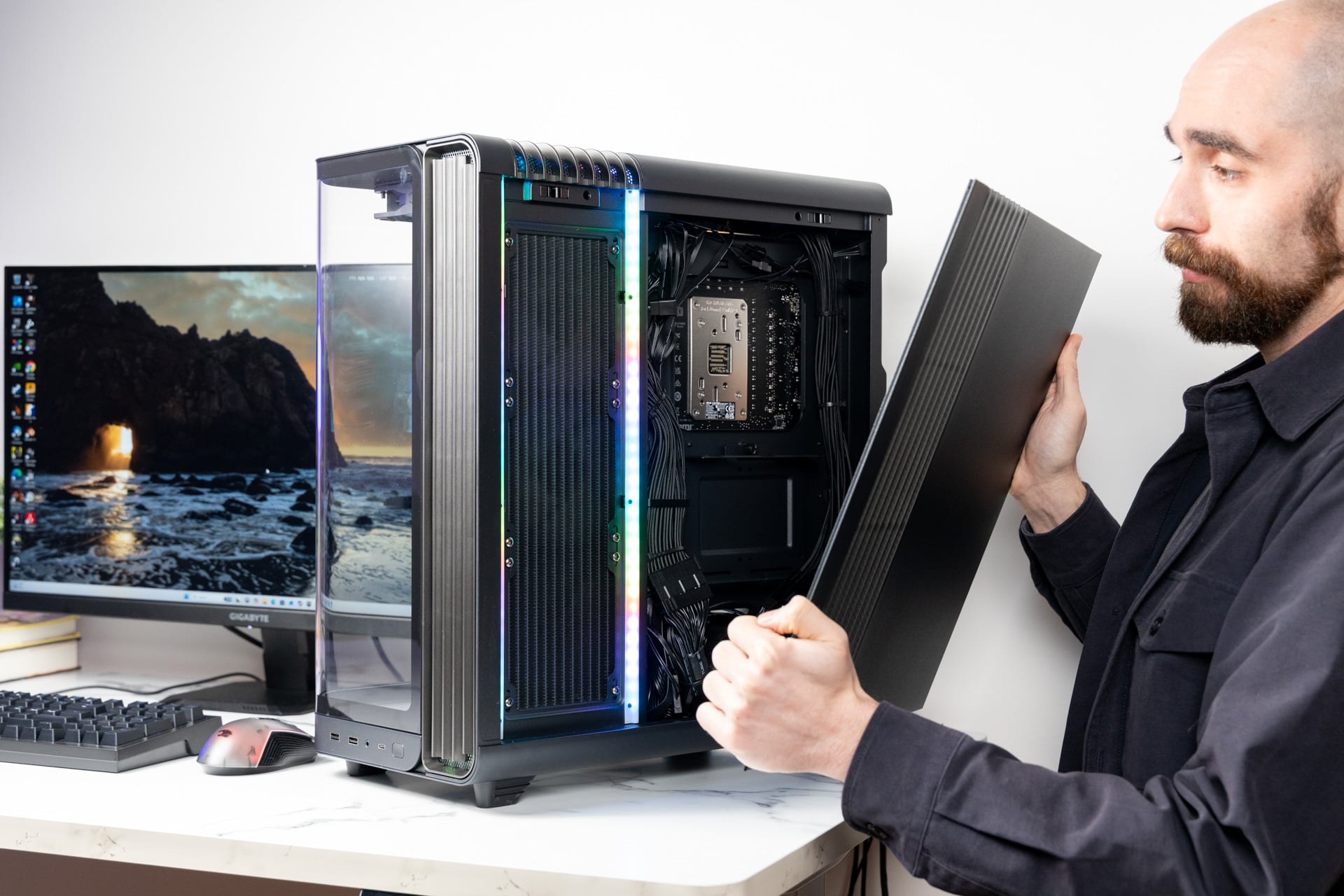
And the case is similarly simple to access. There are two thumbscrews keeping the front panel in place. The rear panel is even easier to access with just an ounce of effort. Even the rear cable management is relatively efficient. Most of the power cables are all running in the same stream down toward the power supply along the left side of the motherboard. You’d have to cut the zip ties and piecemeal every cord out to identify any future issue.
The major complication with this case design is how tight all the cables are squeezed into the power supply unit (PSU). It’s not easy to access any of those sockets with it screwed into the aluminum PSU shield. Just keep that in mind if you ever intend to change up your GPU in the future.
Loud, but at least there’s motherboard HDMI
The Trace X doesn’t seem like some utilitarian computer built to protect sensitive electronics and move cold air in and hot air out. It’s also—in some circumstances—less practical than a traditional PC case. So if I compare the Trace X tower to Hyte (iBuyPower’s sister brand) and its X50 case, the cutesy, bubble-like design will promise far more airflow. But which one would you rather have accompanying you on your desk, honestly?
Once those fans get up to speed, this can be a relatively loud PC. In my benchmark tests pushing the CPU as far as it would go, the PC picked up quite a racket, far more than other recent PCs I’ve tested, such as the HP Omen Max 45L. The case design necessitates a unique airflow. The three side-panel fans suck in air, while the rear and top-mounted CPU cooler expel that heat up and out.
The imbalance of four exhaust fans to three intake fans creates a negative pressure environment. That means there is more air going out than coming in. Ostensibly, this is better for keeping components cool, though it means that you may have air seeking ingress (which is likely why there’s a front vent next to the front glass panel). That could account for some of the noise, but it’s something to consider if you’re planning to have this case featured prominently on your desk.
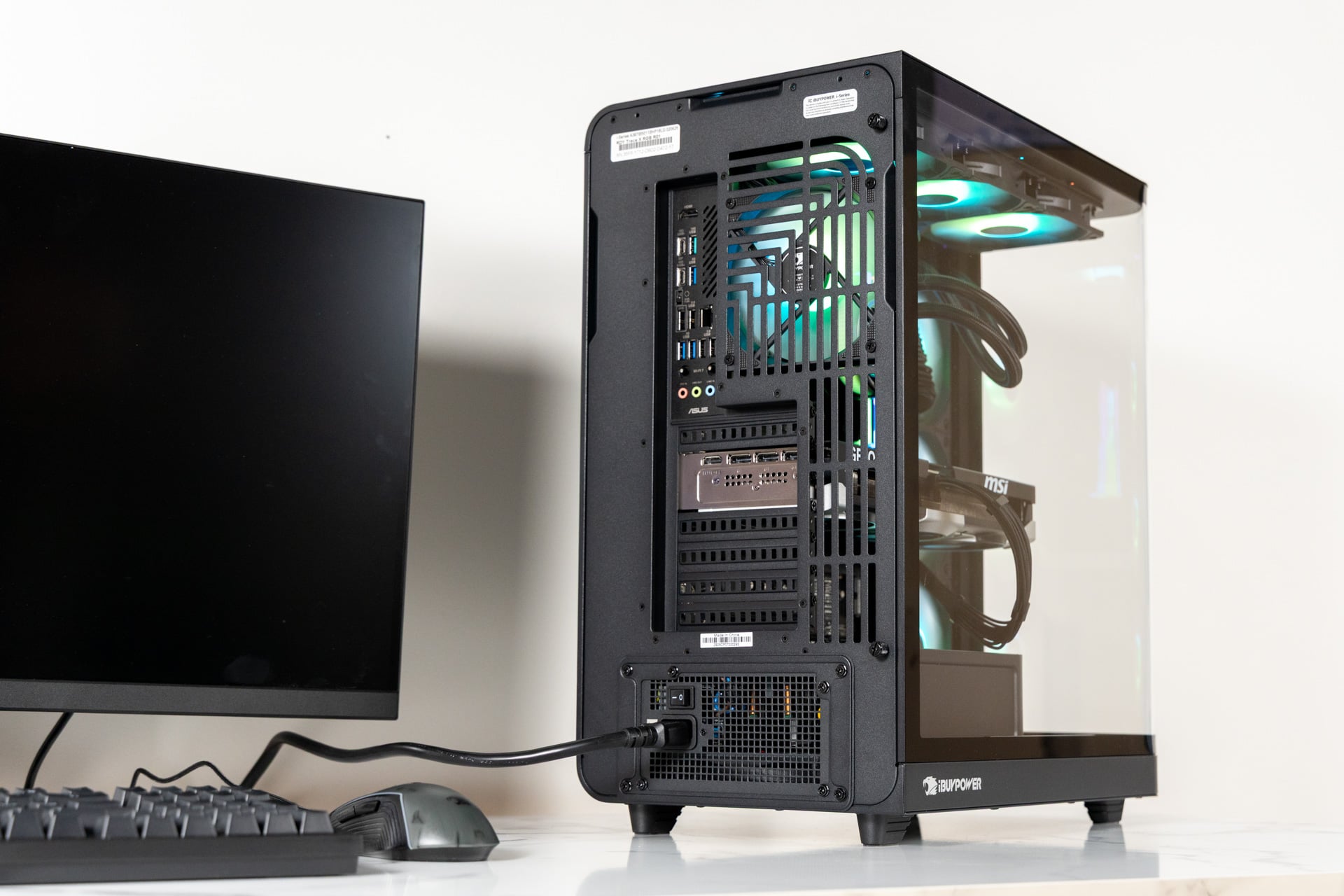
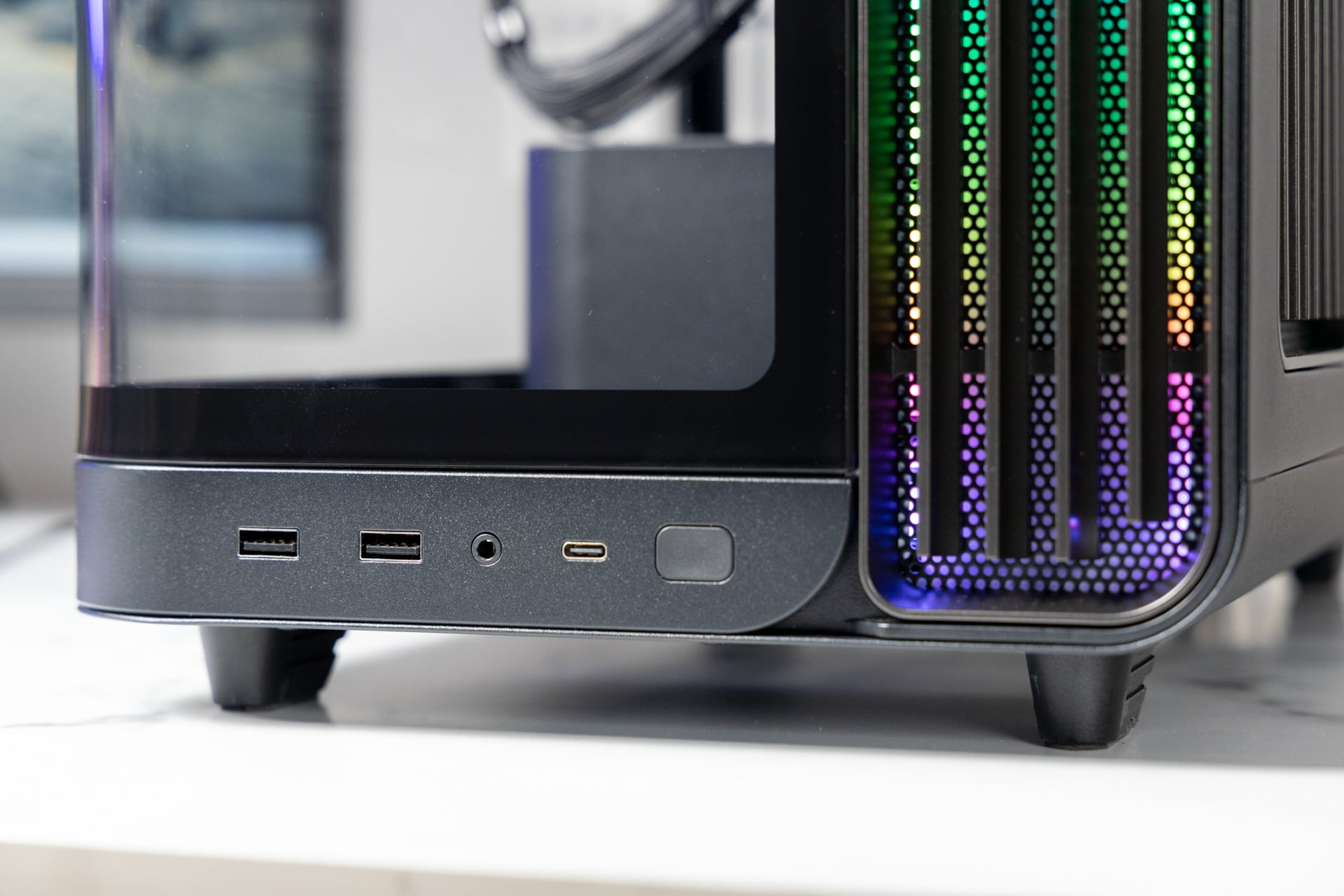
And despite my quibbles about noise, I may prefer this case to many that I’ve tried lately. It’s not just looks. The Trace X comes stock with an Asus X870 Max Gaming ATX motherboard. It features a wealth of rear I/O ports, including two 40Gbps USB-C, three USB-A 2.0 (plus another one for flashing BIOS), three 5G USB-A, a 10G USB-A, ethernet, and a freaking HDMI, so you don’t have to depend on a graphics card for monitor output in case something goes wrong. It even includes a few old-school line-in audio ports for wired headsets. The bottom of the front panel is where you’ll also find a single USB-C, two USB-A, and a headphone jack.
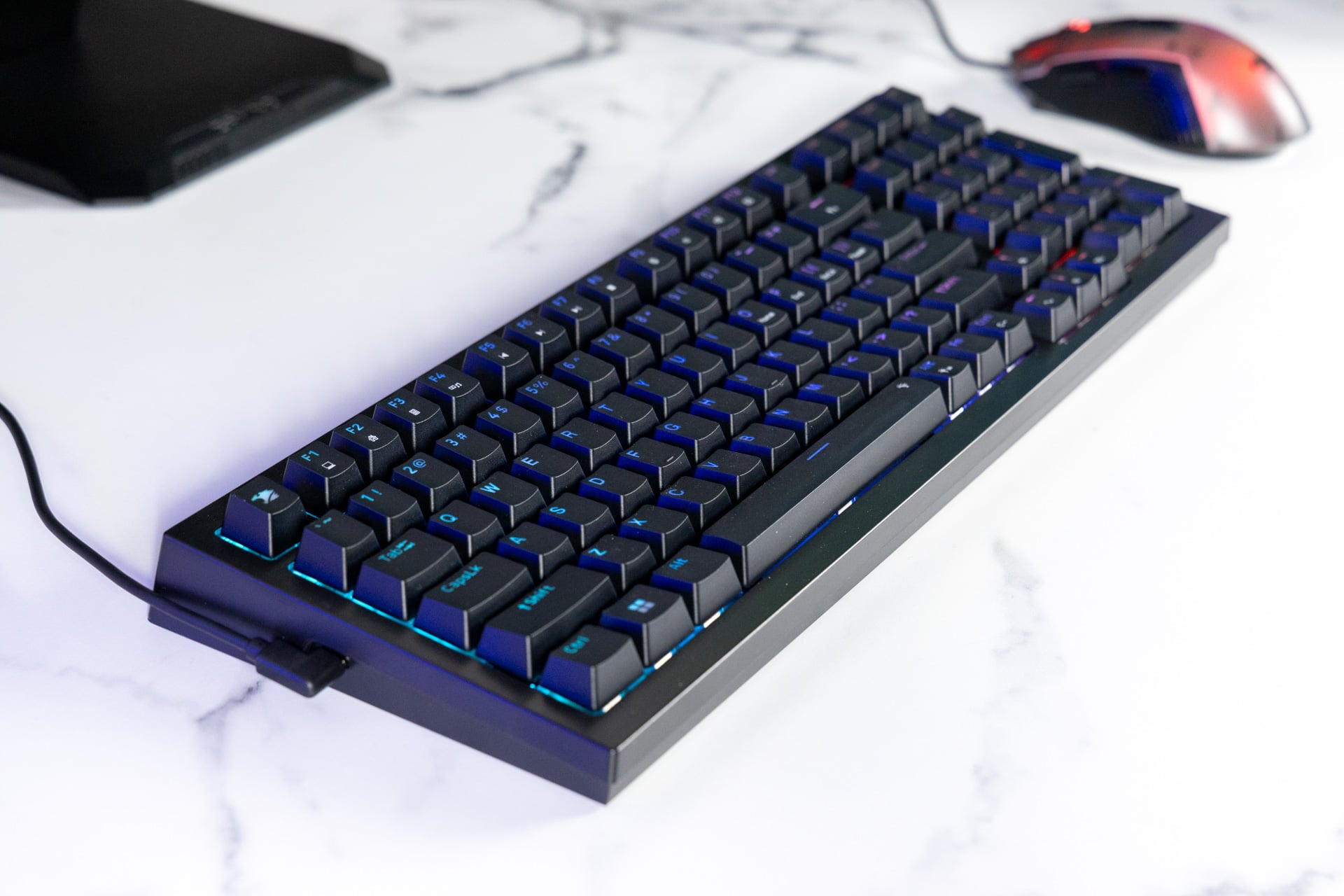
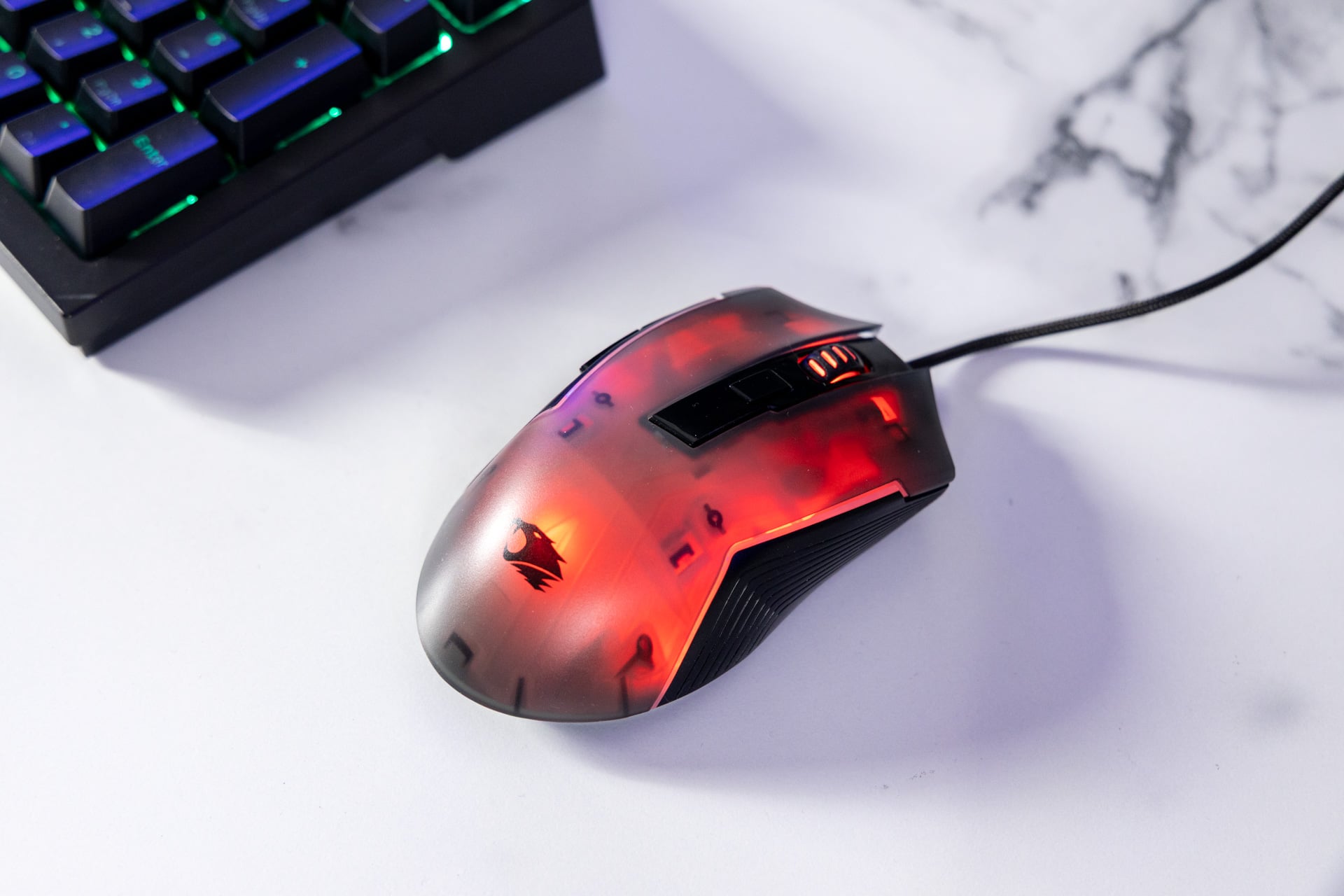
As far as other accoutrements, the iBuyPower PC also comes with a basic keyboard and mouse. These are not what you could consider cream of the crop components. They’re good enough to keep you occupied until you inevitably spend more on better peripherals.
See More

